
MS OFFICE 2024 LTSC STANDARD FOR MAC
Follow these simple instructions for a smooth installation and activation on macOS.
Before You Begin
You must uninstall all old office versions using the official removal tool. This ensures a clean installation without conflicts.
Uninstall Previous Office Versions
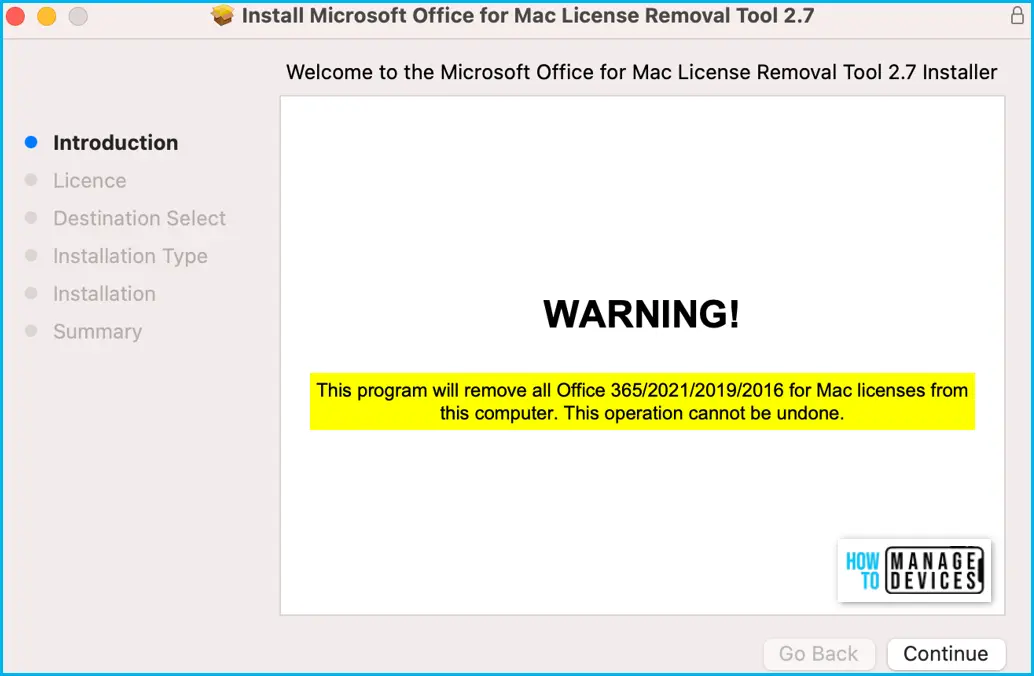
Download and run the official Microsoft Office removal tool for Mac
Run the Removal Tool
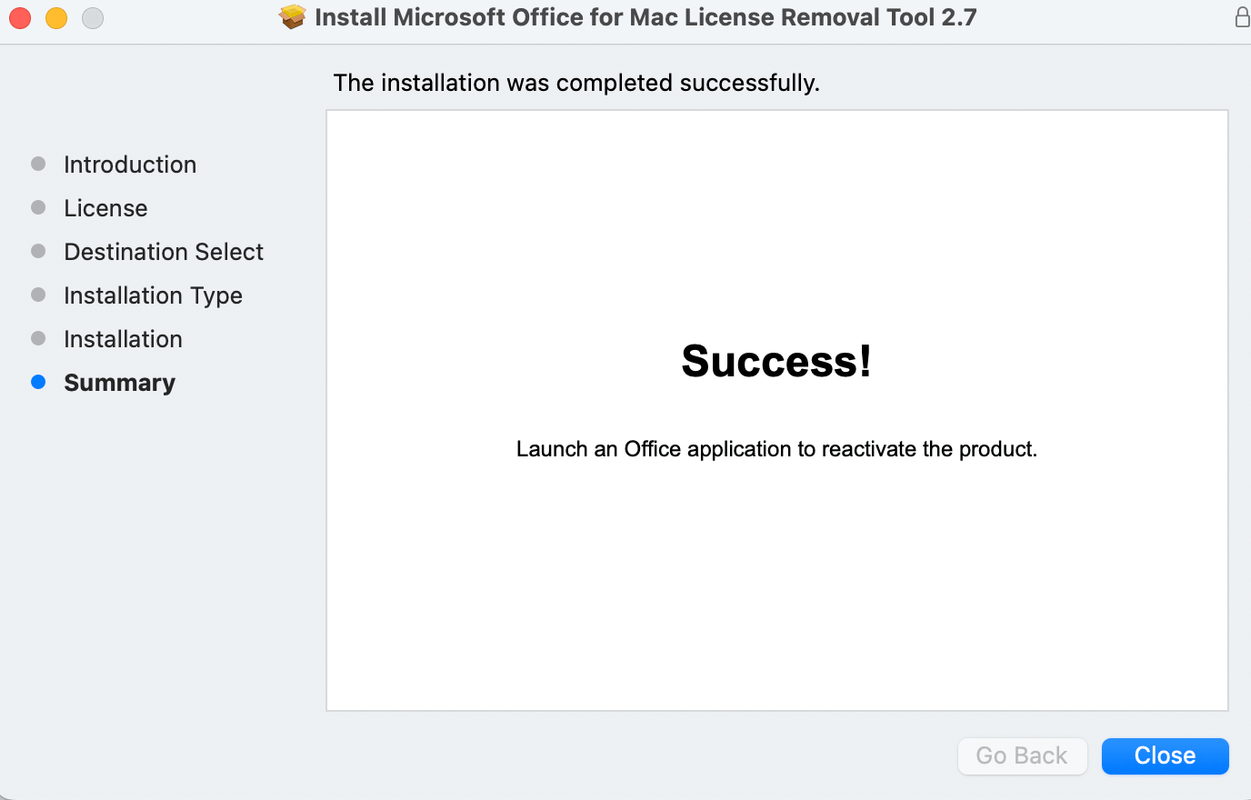
Run the office license removal tool for Mac and follow on-screen instructions
Download Office 2024 for Mac
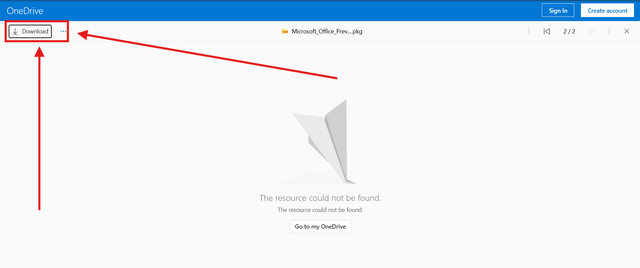
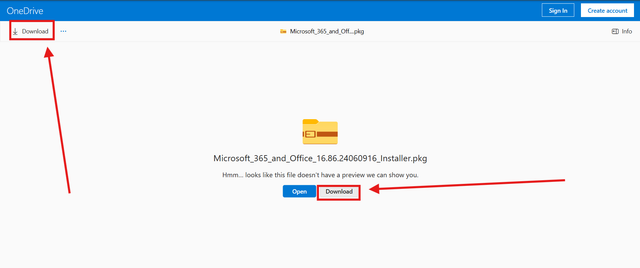
Download the Office 2024 installer package and serializer
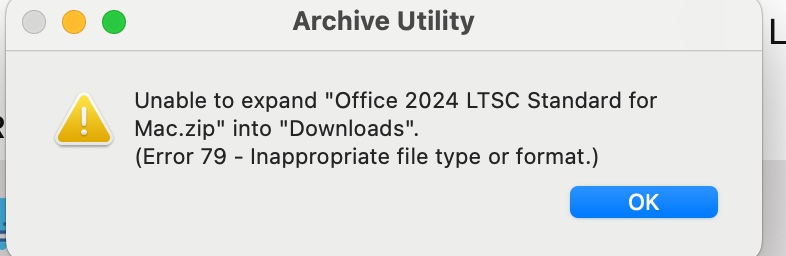
Extract and Open the Downloaded Files
After extracting the downloaded ZIP file, open the extracted folder
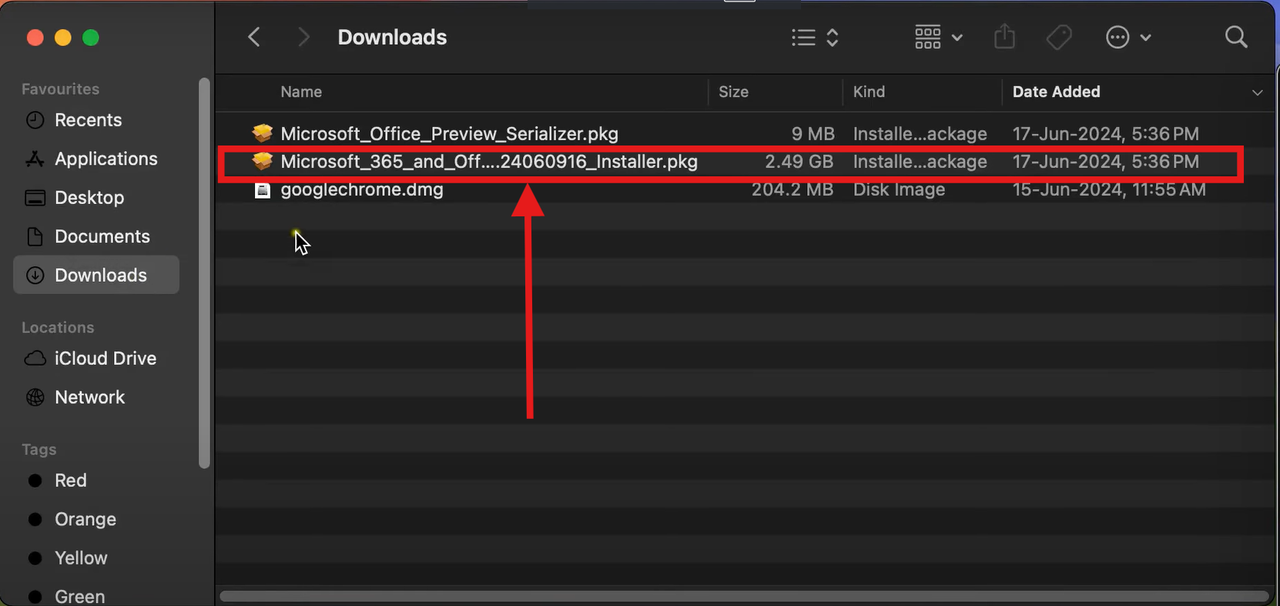
Run the Installer Package
Double-click on installer.pkg (~2.43 GB) and follow on-screen instructions
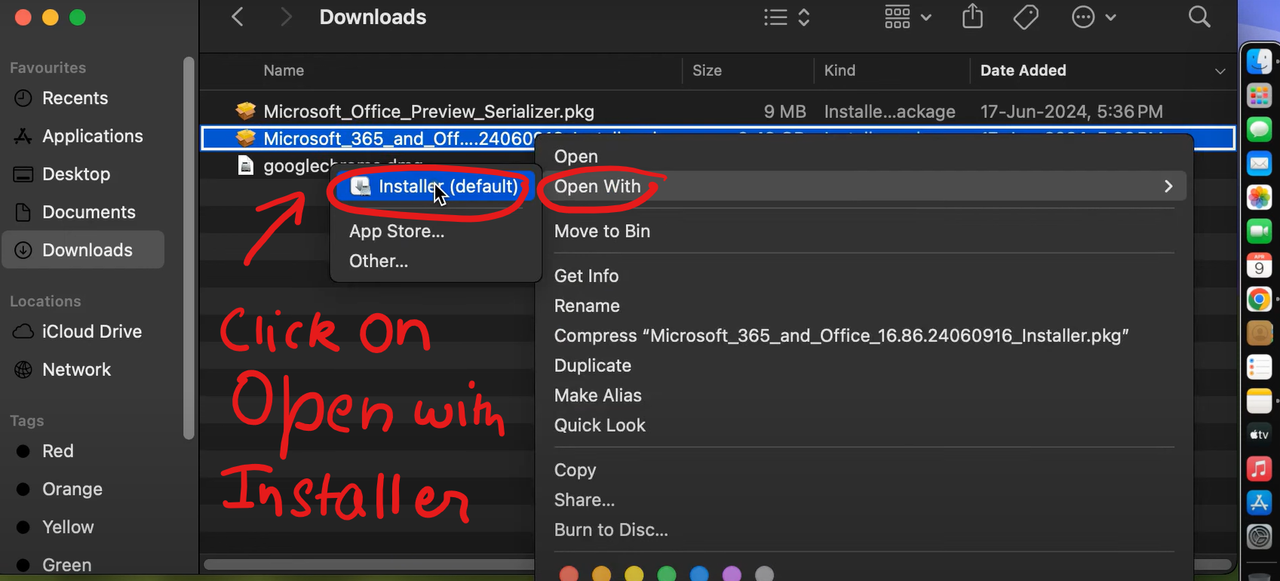
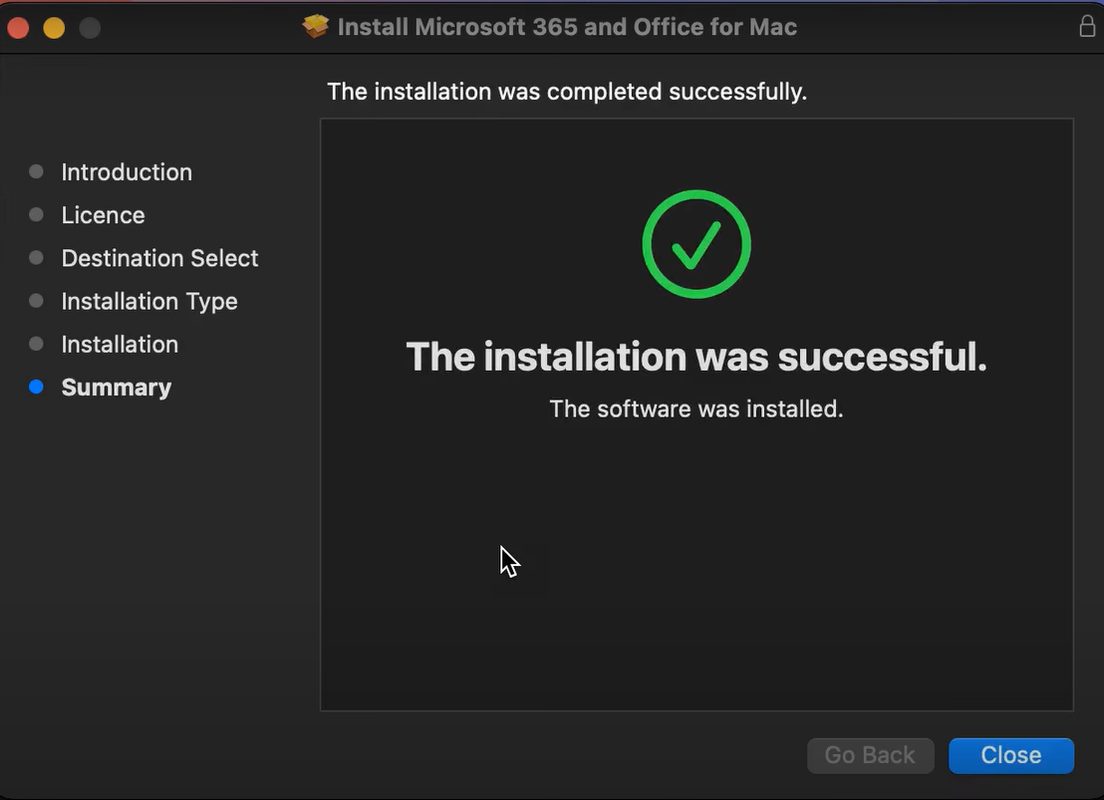
Run the Serializer to Activate
Double-click on Microsoft_Office_Preview_Serializer.pkg (~9 MB) and follow instructions
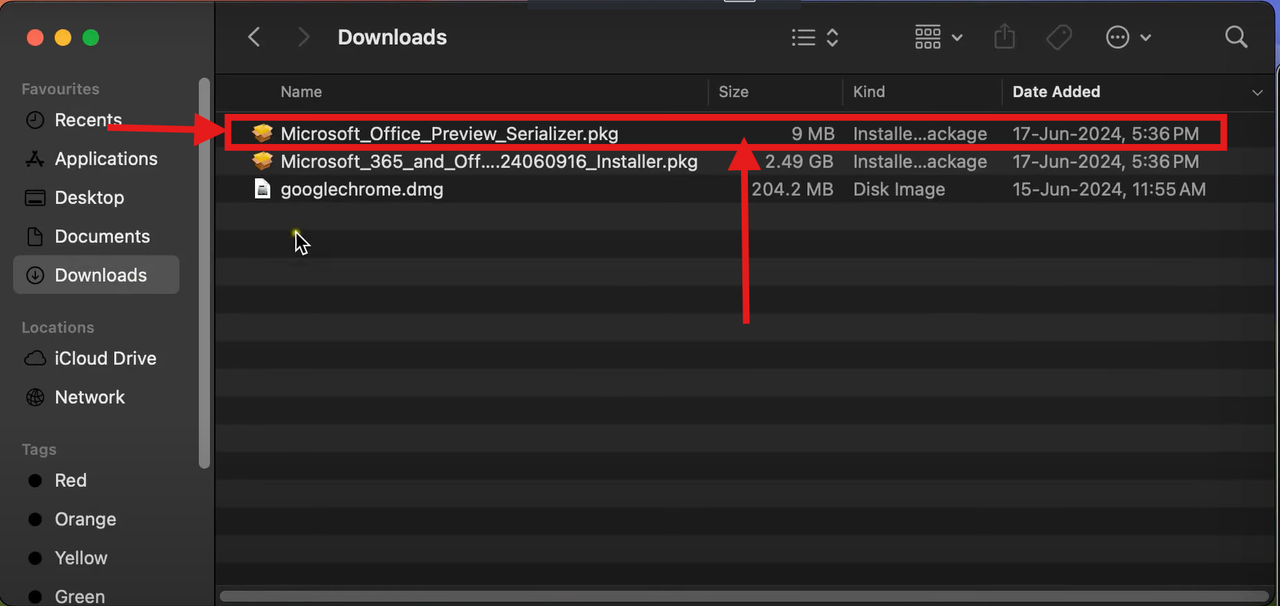
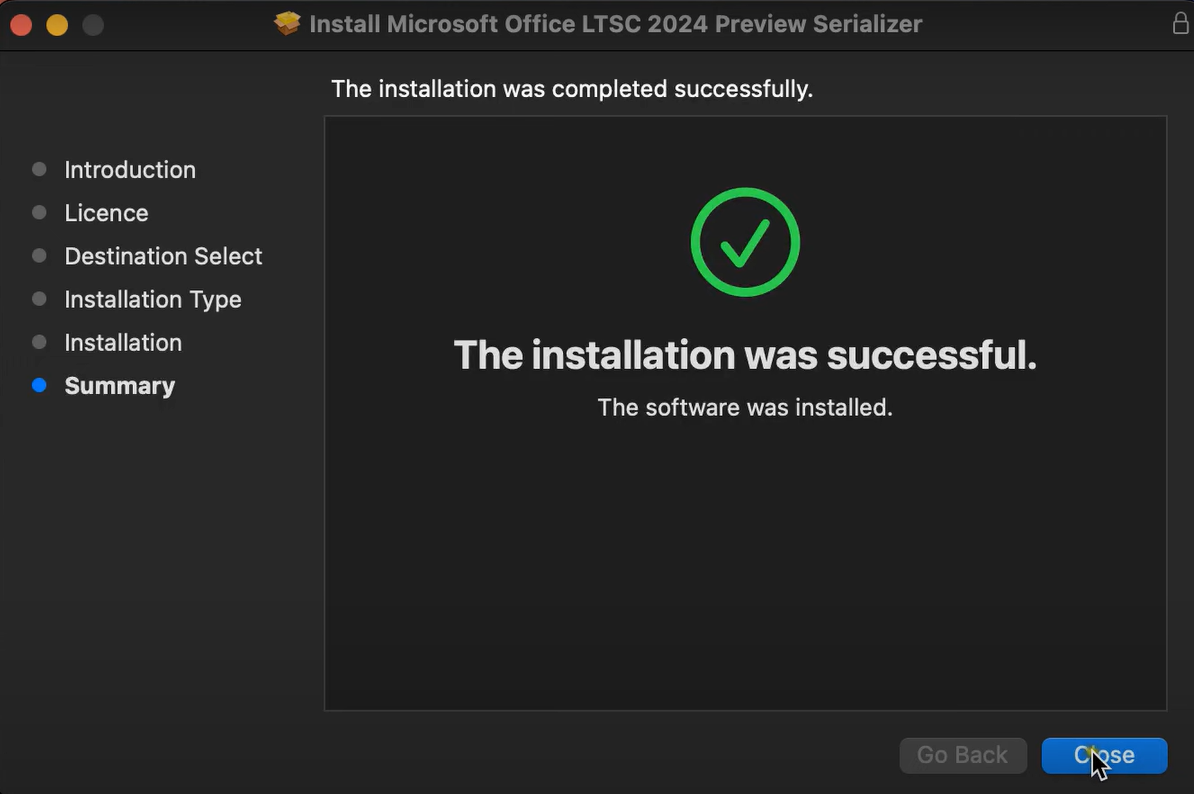
Voila! Office 2024 is Activated!
Your Office LTSC 2024 Preview for Mac is now activated for lifetime!
Verify Your Activation
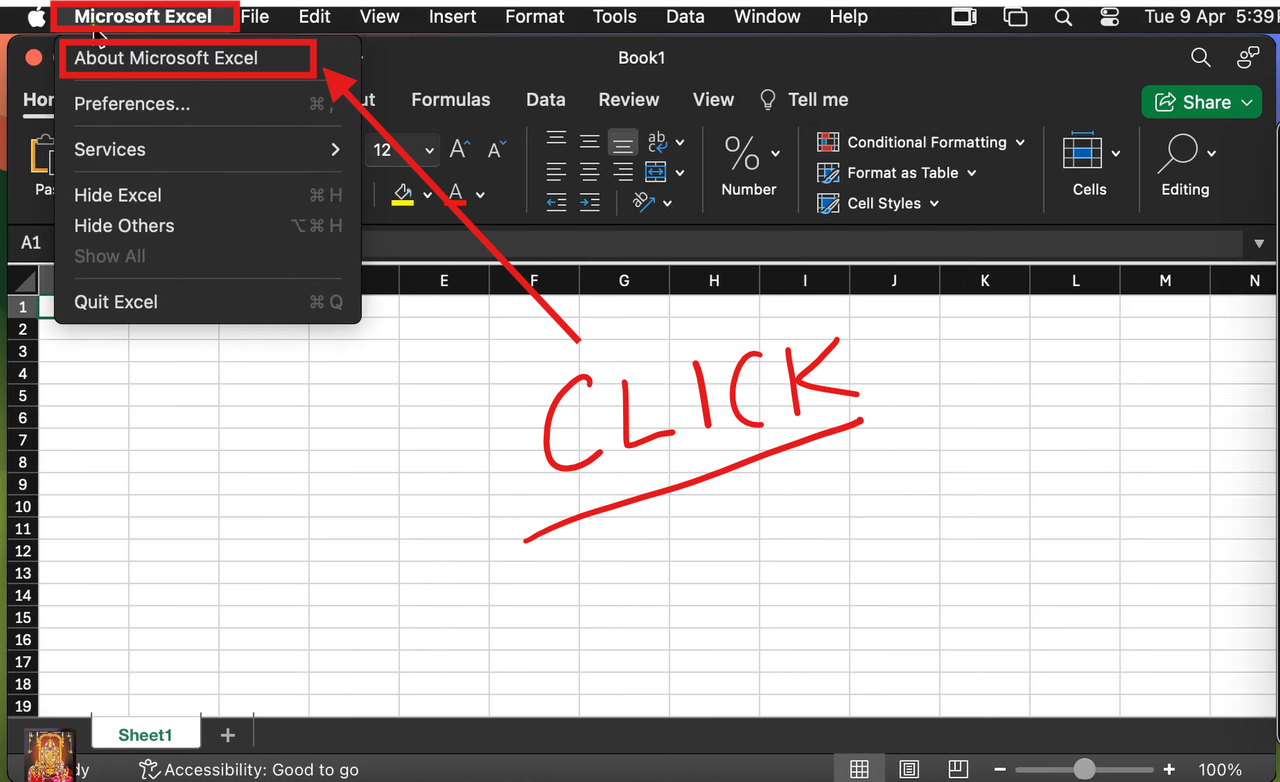
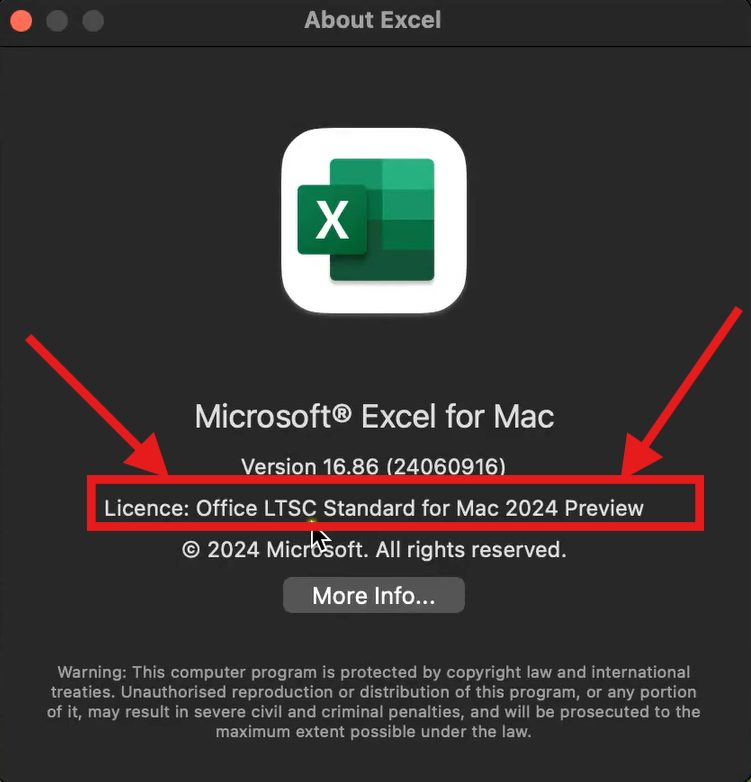
Open any MS Office app (e.g., Excel) → Click on Excel (top left) → Click About Excel to see licensing details
Register for FREE Warranty
Get lifetime technical support & remote desktop assistance via AnyDesk